Industry
Banking
Client
Booking Corp.
Fintech Dello Banking App - New Way to Empower Life
Revolutionizing Banking: Enhancing User Experience with the Dello Fintech Banking
In an era where seamless digital experiences define user expectations, the Dello Fintech Banking App emerges as a beacon of innovation in the financial technology landscape. This case study delves into the user experience (UX) design journey undertaken to transform conventional banking interactions into intuitive, efficient, and user-centric experiences. As traditional banking institutions grapple with the evolving demands of a digital-savvy clientele, Dello steps forward with a visionary approach to redefine how users engage with their financial resources. The intersection of cutting-edge technology, user-centered design principles.
My responsibilities
End-to-end Redesign: Led the transformation of the legacy MVP into a modern, scalable web app.
Design System Architecture: Built a comprehensive Figma library and usage guidelines from the ground up to ensure brand consistency.
User-Centric Research: Conducted deep-dive research into user pain points to drive meaningful design solutions.
Product Strategy: Partnered directly with the founder to define the product roadmap and long-term vision.
High-Fidelity Design: Crafted responsive, pixel-perfect screens in Figma, optimized for both desktop, tablet and mobile users.
Starting to Rethink the Older Version
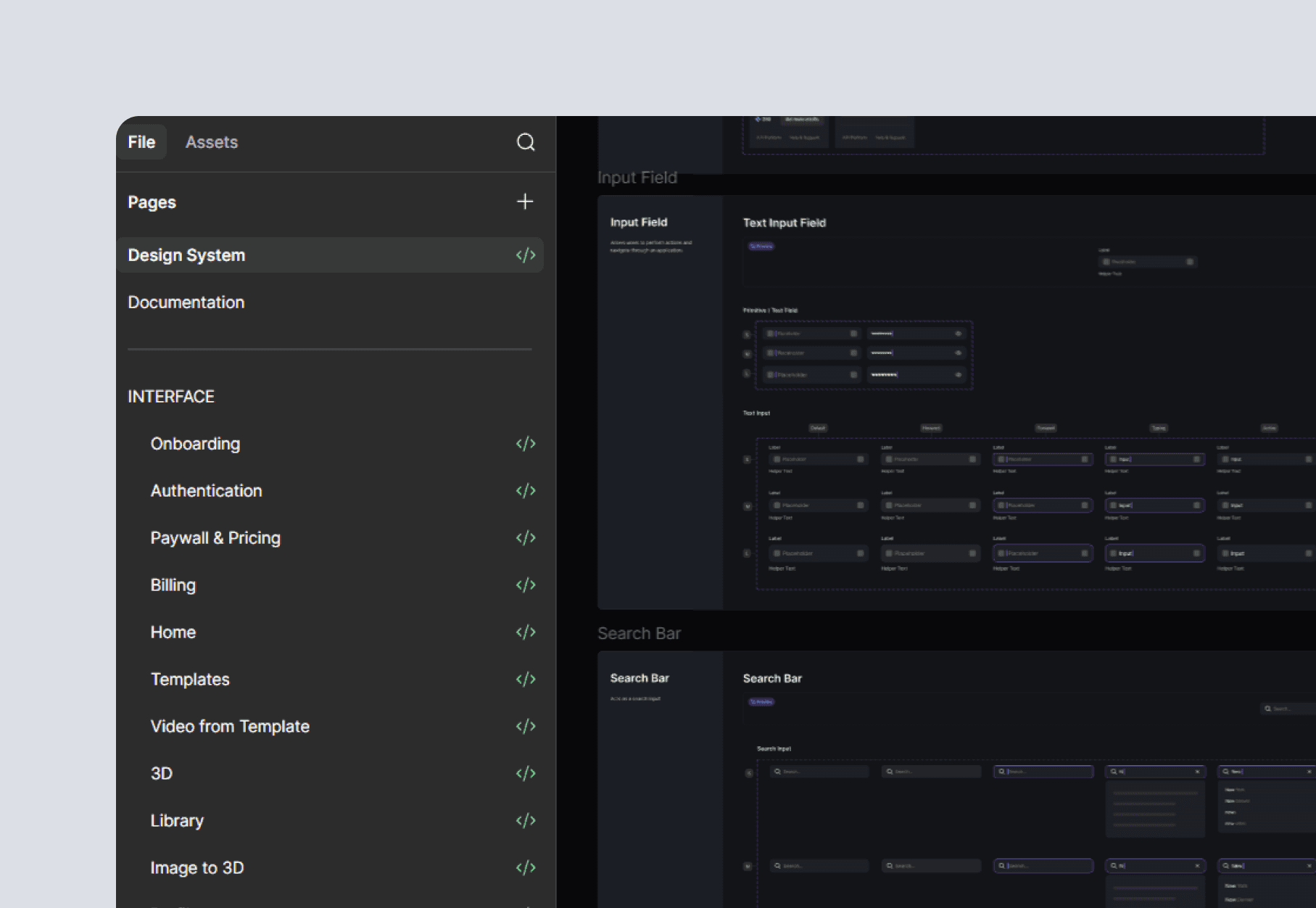
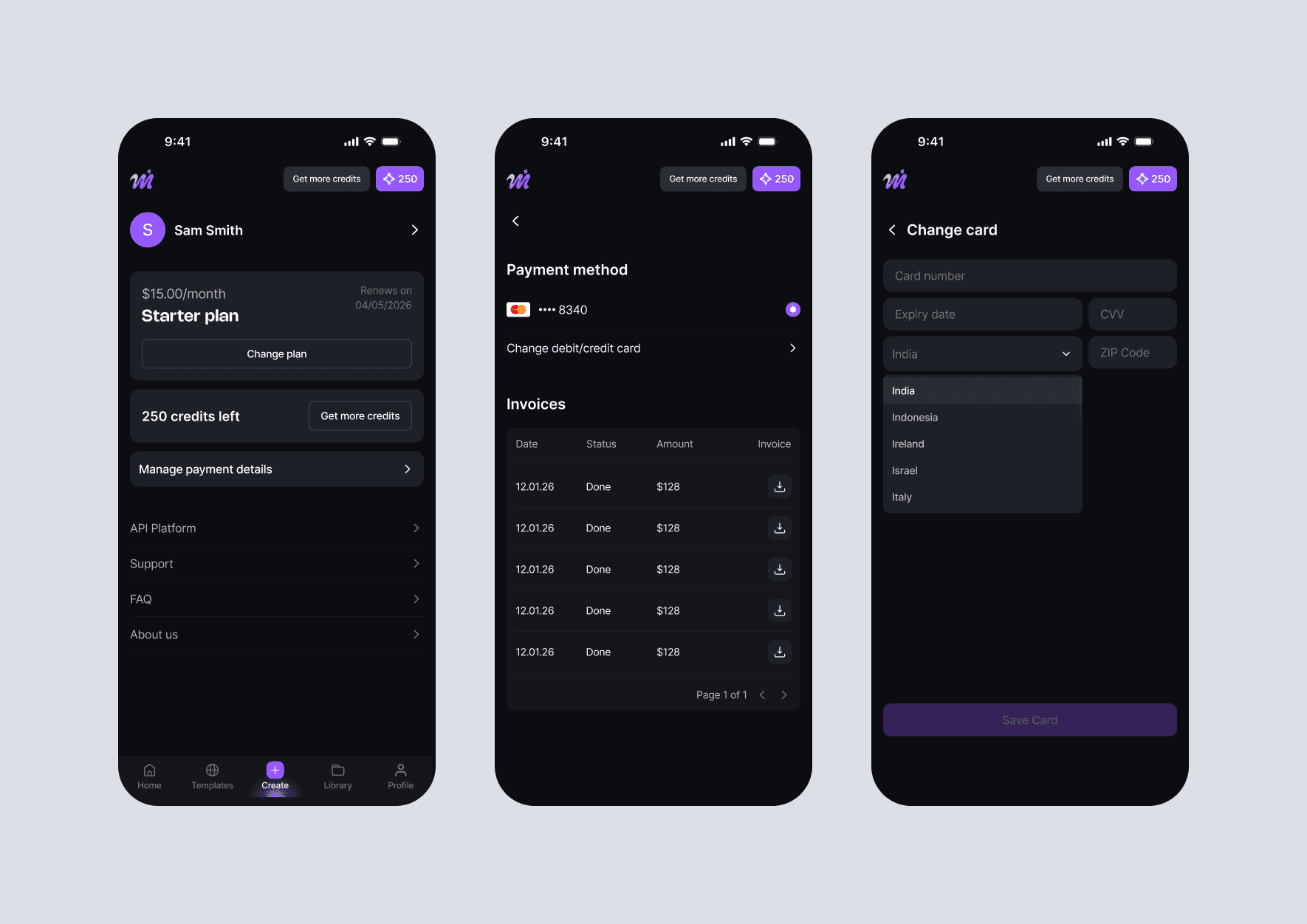
The founder requested a visual redesign alongside continuous feature development. I began by developing the new branding, collaborating closely with a dedicated logo designer. Established a new color palette and a comprehensive Figma design system utilizing tokens and styles for colors, typography, and effects. The component library currently includes over 500 elements. Our frontend developer called it the most "well-thought-through system" he’d ever used, which is the ultimate win for me)

New Navigation
The new design system didn't just happen in a vacuum. As the startup evolved and added features, I was constantly tackling fresh user problems through product design.
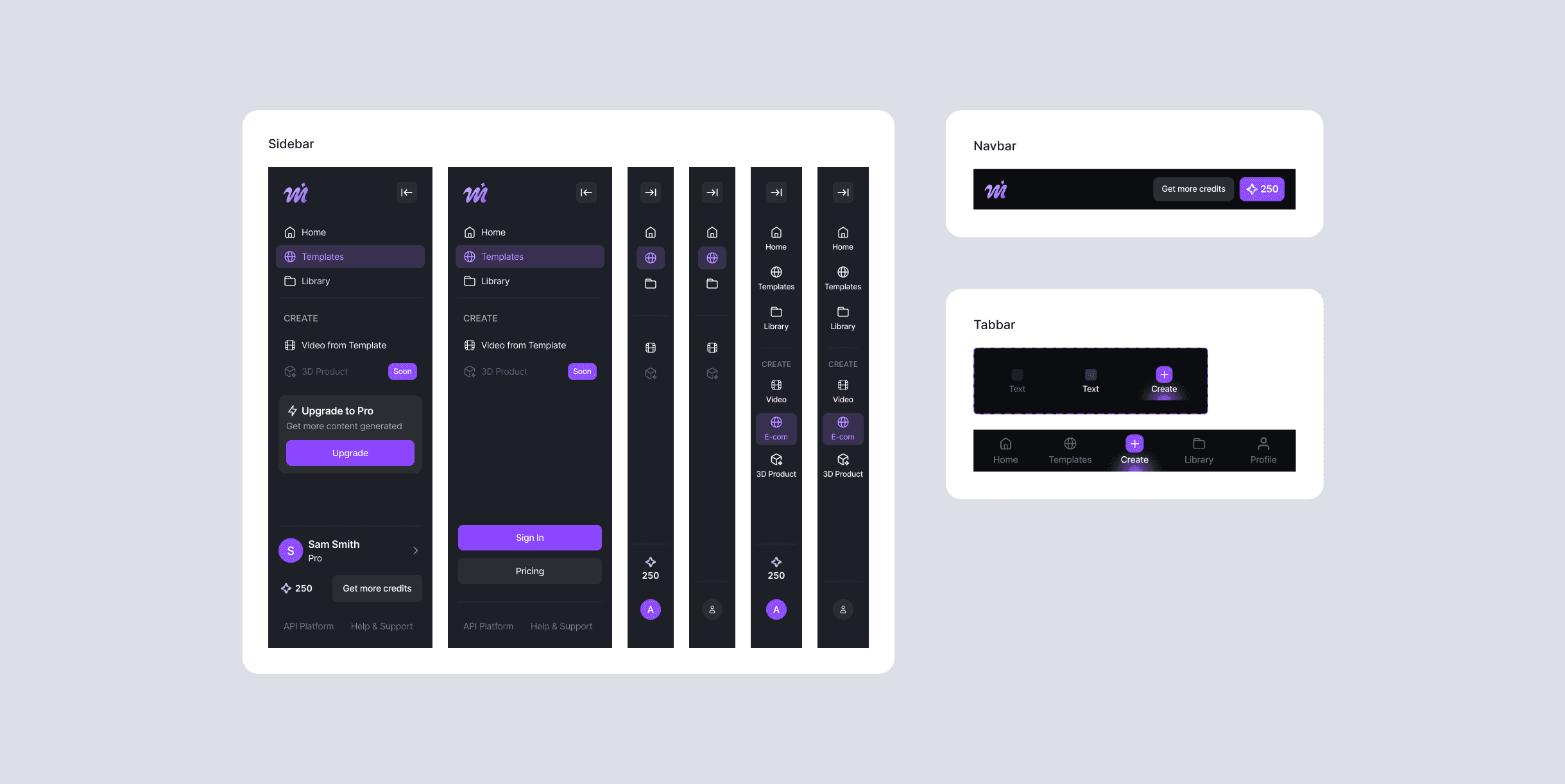
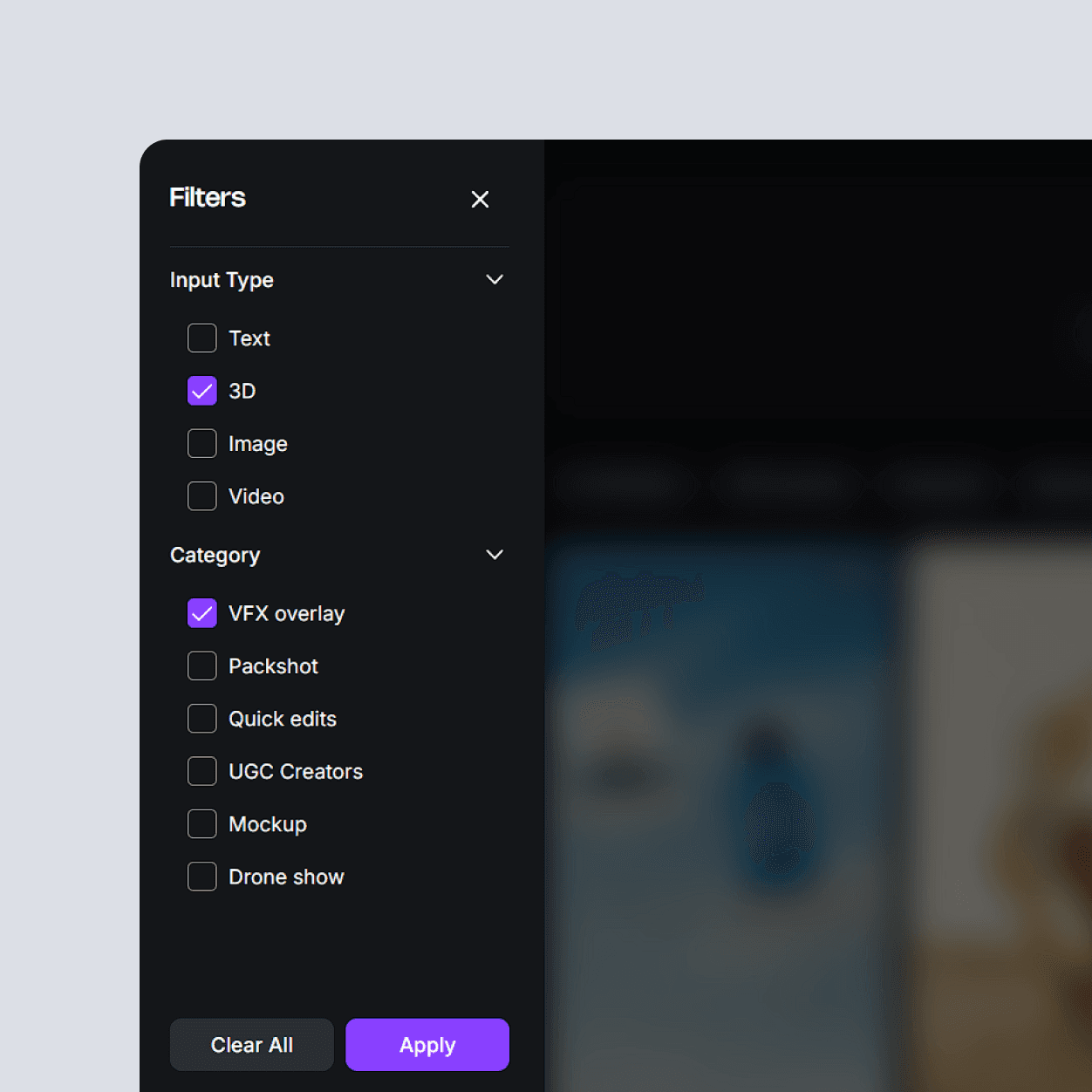
For instance, the original design lacked a solid filtering or tagging system. The homepage was essentially trying to be three things at once: a landing page, a gallery, and an editor. With everything crammed into one screen and pop-ups handling the rest, users were getting lost—especially as we introduced new template types and editor options.
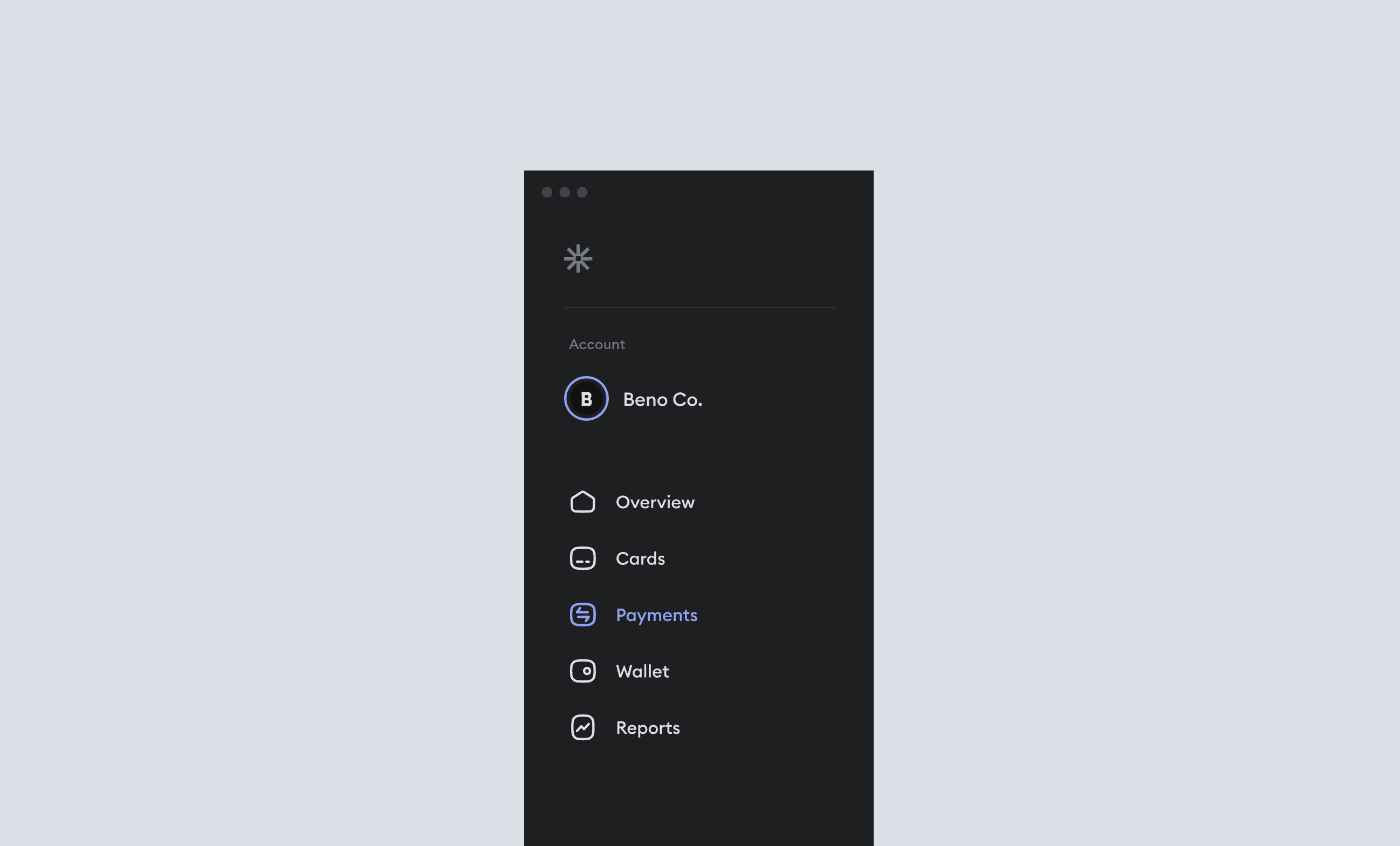
The clear solution was a complete navigation overhaul centered around a sidebar menu. I introduced a dedicated homepage to anchor users after onboarding, which gave the team a high-traffic spot for ads and product updates. This also allowed us to curate popular template categories in one place, making it much easier to promote special collections for holidays and events. By separating the core functions into distinct pages, we gave the app a clear, intuitive structure. User interviews later confirmed that navigation felt significantly more seamless.
The Editor
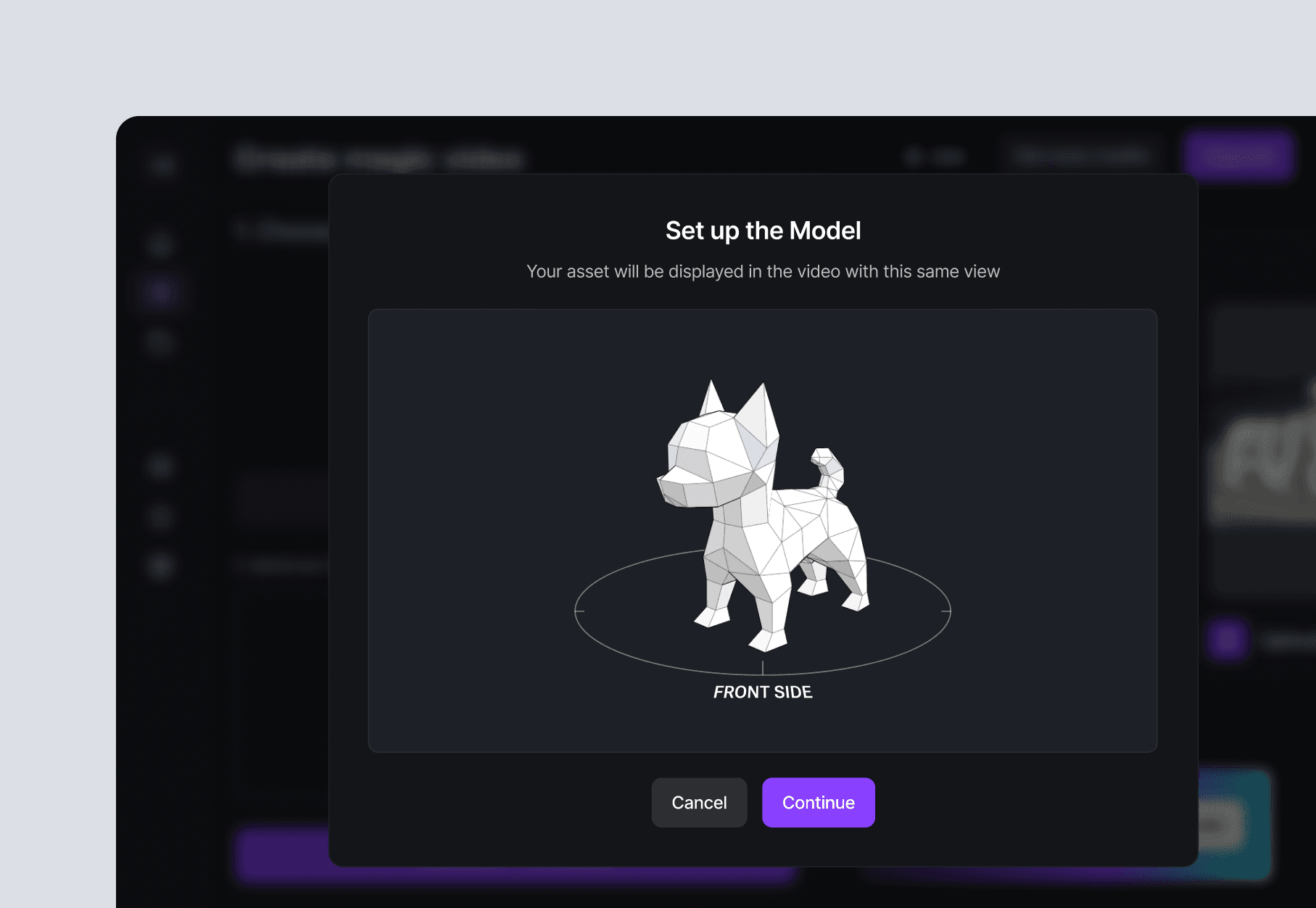
As the app grew, we kept rolling out new "studios" to serve different creative needs. The ones that have made it to production so far are the Video from Template and Image-to-3D studios. My main challenge was to take these complex AI processes and make them feel incredibly simple for the average user.
To solve this, I split the interface into a two-column layout. All the "work" happens on the left, while a dedicated "How It Works" section stays pinned on the right. This keeps the instructions right in the user's line of sight throughout the entire process, ensuring they feel confident and guided all the way until they hit "Generate."
Never Released, But Still Cool
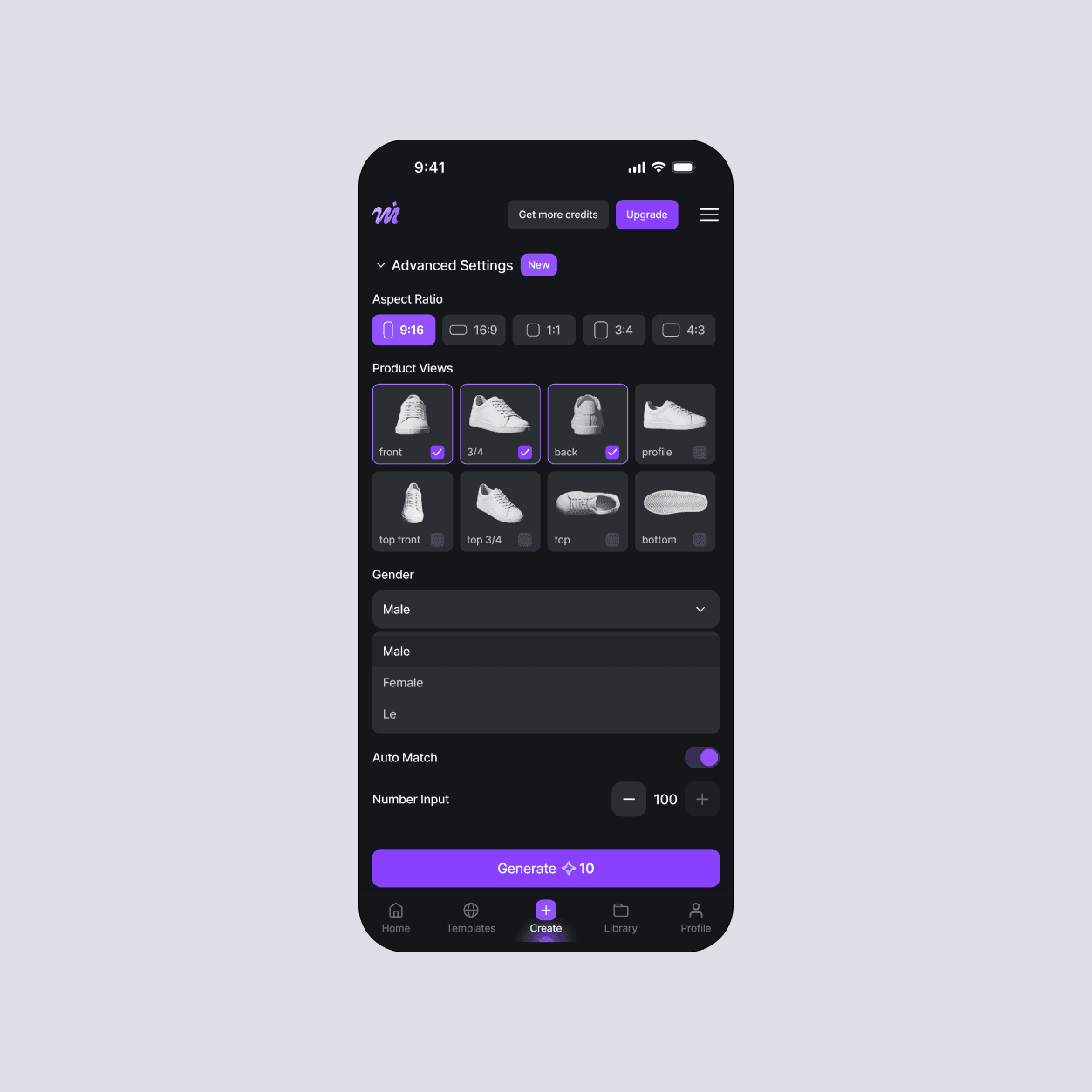
One of my favorite challenges was designing a specialized editor for e-commerce brands. The idea was to take our basic "Video from Template" tool and supercharge it with Advanced Settings. E-com brands deal with a massive, constant stream of products across totally different categories—like cosmetics, footwear, and jewelry—so the editor needed to be highly customizable to keep up.
I designed a modular collection of settings using flexible UI elements that felt powerful but didn't sacrifice simplicity. I wanted to make sure these components were versatile enough for the dev team to repurpose elsewhere. That’s exactly what ended up happening: while the e-com editor itself was eventually replaced by an API platform for our new Business tier, the UI elements I designed were pulled into our standard editors to improve the overall user experience.
What about Results?
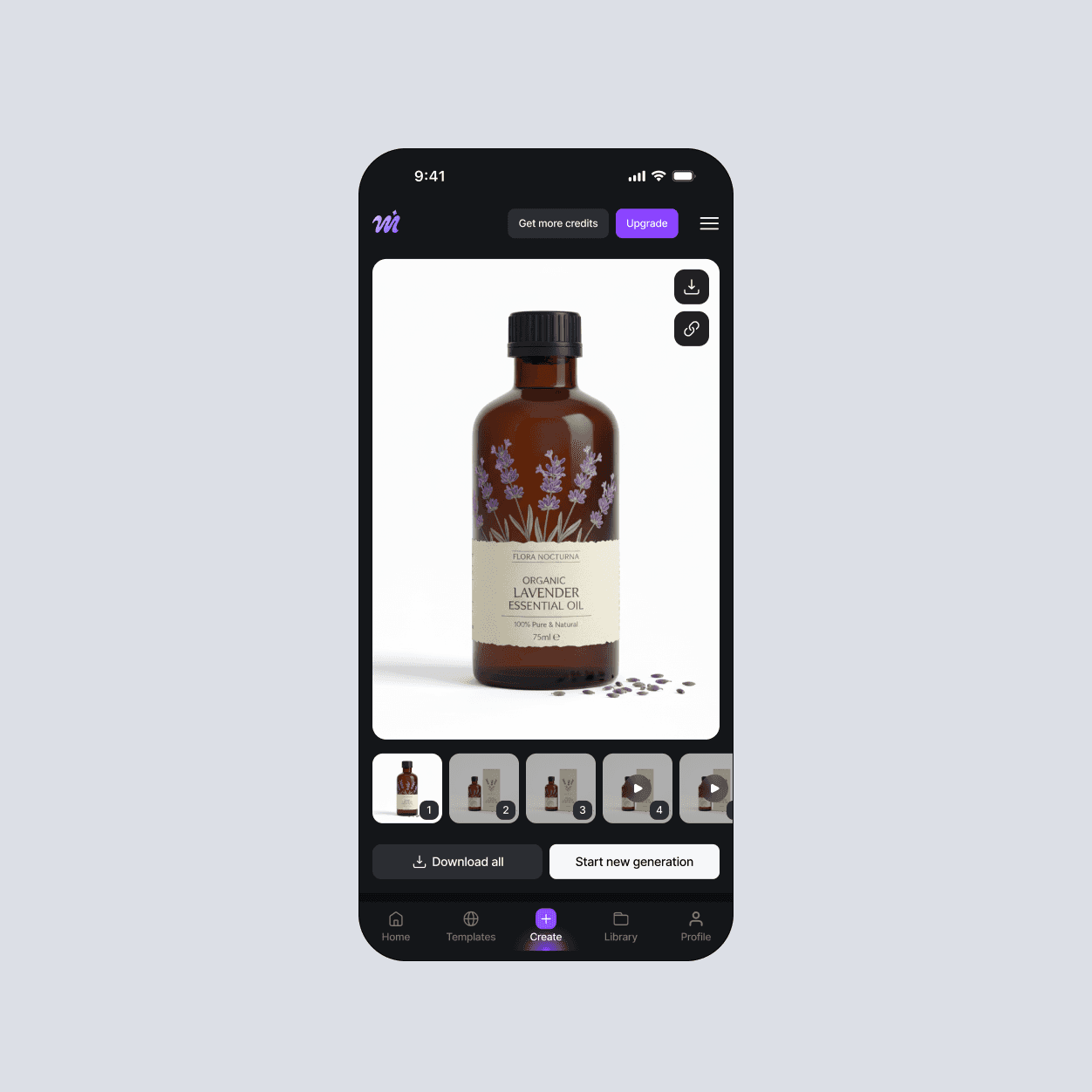
The platform successfully transitioned from a rough MVP into a high-converting web app, with a mobile-ready framework already in place for future expansion. We measured our success through Mixpanel analytics and A/B testing, which allowed us to validate new features with real data. I also conducted deep-dive interviews with loyal users, watching them navigate new UX flows to catch friction points and refine the experience.
What I'd learnt?
Always talking to developers before iterating complicated design
Simplicity is everything
Different markets have unique patterns for perceiving ads and layouts
Learning when to advocate for UX best practices over subjective opinions